AwesomeGCP is built around scenario-based questions and deep, visual explanations. Diagrams, architecture flows, and console screenshots help clarify complex Google Cloud concepts quickly.
Recently, while preparing for the Professional Agentic Architect while on the move in the metro, I noticed some broken image loads. I looked closely at how images were affecting page load performance and learner experience across our question sets.
The Problem: Large Images on Slower Networks
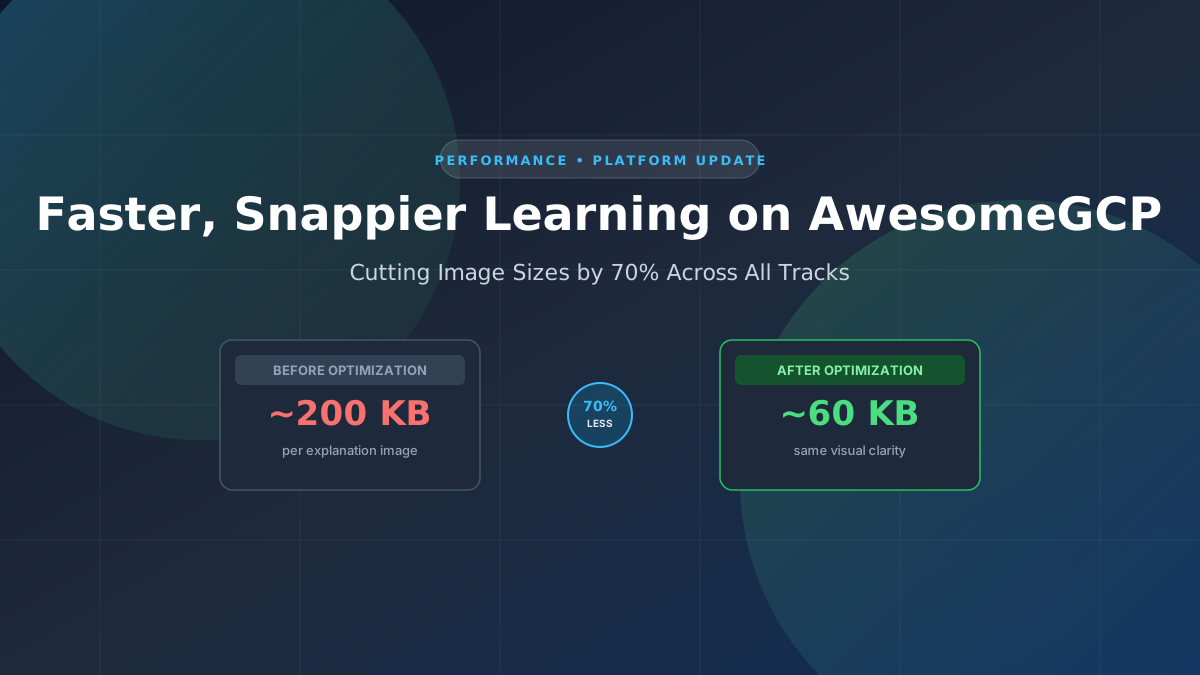
On average, each question explanation on AwesomeGCP contains about 3.x images. Originally, these images averaged around 200 KB each. When you open an explanation with 3 or 4 images, your browser downloads roughly 600 KB to 800 KB of visual assets for that single question alone.
On fast, unmetered home or office broadband, this usually went unnoticed. But on slower mobile connections or fluctuating networks, downloading these uncompressed images could feel sluggish. Occasionally, images could fail to load cleanly or take noticeably long to render when learners stepped through questions quickly.
The Solution: 70% Reduction Without Loss of Quality
I wanted to fix this systematically across all tracks while keeping diagrams sharp, readable, and clear.
To solve this problem, I vibe coded and open-sourced a tool called tinyimg . It reduces file sizes by generatting multiple resized images and picks the one that ensures that quality doesn't fall below a threshold.
By running our entire image catalog through tinyimg, we achieved roughly a 70% reduction in file size across the board. An image that previously weighed 200 KB now weighs around 60 KB, with no discernible loss in visual quality or text legibility.
Rollout in Progress
I am currently updating all learning tracks across the platform with these optimized assets. The full update across every certification track and question set will be completed in a few days.
As these updates land, your study sessions will feel noticeably snappier, lighter, and more reliable, even on weaker network connections.
If you work with large image sets in your own projects and want an easy way to optimize them, check out tinyimg on GitHub .
AwesomeGCP.com Learning
The approach taken is a question-led learning approach: you explore realistic project scenarios where you need to make decisions or take actions to achieve business goals within specific constraints. Instead of passive learning, you are challenged to think and work through the options. This impresses concepts and knowledge more deeply, and equips you with the ability to do well at your work or ace the exam!